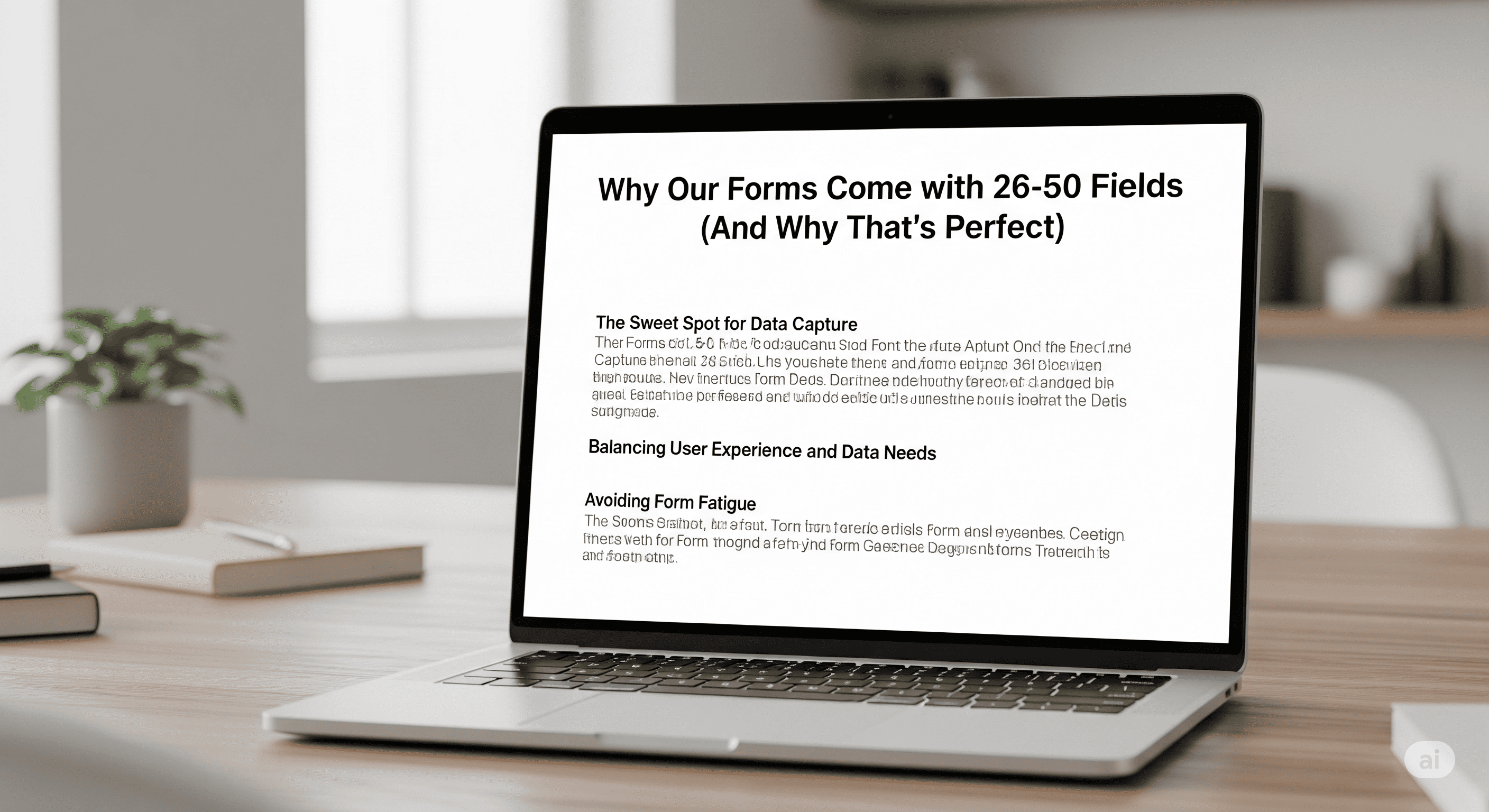
Form Design Professional Services User Experience

Why 26-50 Fields Create the Perfect Professional Form

Why 26-50 Fields Create the Perfect Professional Form

Published: May 18, 2025 | Reading time: 6 minutes

"Your form has too many fields."

That's what traditional form building wisdom tells you. Keep it simple. Minimize friction. Ask for less.

But what if the real problem isn't too many fields—it's the wrong fields?


What if comprehensive, well-organized forms actually convert better than sparse, generic ones?

Our data shows something surprising: forms with 26-50 intelligently chosen fields consistently outperform short forms in professional service environments.


The Field Count Myth

Experience AI-Powered Form Creation

Generate professional forms in seconds with natural language AI

Start Free →
Traditional Wisdom

"Forms should have 3-5 fields maximum for best conversion rates."


The Reality

This advice comes from e-commerce and consumer marketing where users are making quick, low-commitment decisions.

Professional services operate in a completely different context.

Professional Service Context:


  • High-value decisions requiring detailed information
  • Qualified prospects willing to invest time for quality service
  • Trust-building through demonstrated expertise
  • Comprehensive needs that can't be captured in 5 fields

What 26-50 Fields Actually Means
Complex systems and neural networks

Photo by Alina Grubnyak on Unsplash


Our Latest Audit Results

Software Company Onboarding Forms:


  • Average fields: 42
  • Sections: 7
  • Completion rate: 78%
  • Lead quality score: 9.2/10

Legal Consultation Forms:


  • Average fields: 38
  • Sections: 6
  • Completion rate: 71%
  • Conversion to client: 34%

Professional Services Proposal Forms:


  • Average fields: 34
  • Sections: 8
  • Completion rate: 81%
  • Qualified lead rate: 89%

What These Numbers Tell Us

Quality Over Quantity:


  • 89% qualified lead rate vs 45% industry average
  • Higher conversion rates despite more fields
  • Better client-service matching from day one
  • Reduced time wasted on unqualified prospects

The magic isn't in having more fields—it's in having the right fields that demonstrate expertise while qualifying prospects effectively.

The Intelligence Behind Field Selection

AI-Driven Field Generation

Our AI doesn't randomly generate 40+ fields. It intelligently selects fields based on:

Industry Requirements:


  • Legal forms need conflict checking, urgency assessment, case complexity
  • Software forms need technical requirements, integration needs, timeline factors
  • Consulting forms need current state, desired outcomes, stakeholder mapping

Professional Standards:


  • Fields that demonstrate expertise
  • Questions that build credibility
  • Information needed for quality service delivery
  • Data required for proper scoping and pricing

User Psychology:


  • Progressive disclosure through logical sections
  • Commitment escalation through thoughtful sequencing
  • Trust building through professional questioning

Example: Software Development Project Form

Section 1: Project Overview (6 fields)

  • Project type and scope
  • Target platforms
  • Expected timeline
  • Budget range
  • Priority level
  • Success metrics
  • Section 2: Technical Requirements (8 fields)

  • Current technology stack
  • Integration requirements
  • Performance expectations
  • Security requirements
  • Scalability needs
  • Compliance requirements
  • Data handling needs
  • Third-party services
  • Section 3: Team & Resources (7 fields)

  • Team size and structure
  • Internal technical expertise
  • Project management preferences
  • Communication requirements
  • Availability and timeline
  • Budget approval process
  • Decision-making authority
  • Section 4: Project Context (6 fields)

  • Business objectives
  • User base and market
  • Competitive landscape
  • Existing solutions evaluation
  • Previous development experience
  • Long-term roadmap
  • Section 5: Logistics & Preferences (8 fields)

  • Preferred development methodology
  • Meeting and communication preferences
  • Documentation requirements
  • Testing and QA expectations
  • Deployment preferences
  • Maintenance and support needs
  • Contract and legal requirements
  • Reference and portfolio requests
  • Section 6: Next Steps (7 fields)

  • Preferred timeline for proposal
  • Key stakeholders for presentation
  • Budget approval timeline
  • Selection criteria priorities
  • Implementation start date preference
  • Questions about our process
  • Additional requirements or concerns
  • Total: 42 fields across 6 logical sections


    Why This Approach Works
    Professional technology systems

    Photo by Adi Goldstein on Unsplash


    Professional Credibility

    Demonstrates Expertise:

  • Shows understanding of complex project requirements
  • Asks questions prospects didn't think to consider
  • Reveals depth of professional knowledge
  • Builds confidence in service capability
  • Industry Recognition:

  • Uses appropriate terminology
  • Addresses relevant concerns
  • Shows familiarity with industry challenges
  • Demonstrates specialized knowledge

  • Qualification Efficiency

    Better Prospect Screening:

  • Identifies serious vs casual inquiries
  • Surfaces budget and timeline realities
  • Reveals decision-making complexity
  • Assesses project complexity accurately
  • Reduced Sales Cycle:

  • Comprehensive information enables accurate proposals
  • Fewer discovery calls needed
  • Better project scoping from start
  • Faster decision-making with complete information

  • User Experience

    Logical Organization:

  • 6-8 sections create manageable chunks
  • Progressive disclosure reduces cognitive load
  • Clear section themes guide completion
  • Professional structure builds trust
  • Completion Psychology:

  • Investment escalation encourages completion
  • Section progress creates momentum
  • Professional questions justify time investment
  • Comprehensive approach demonstrates thoroughness

  • Industry-Specific Optimization

    Legal Services (38 fields average)

    Case Assessment:

  • Legal issue type and complexity
  • Opposing parties and representation
  • Court jurisdiction and deadlines
  • Previous legal action history
  • Evidence and documentation status
  • Urgency and timeline factors
  • Client Qualification:

  • Budget for legal services
  • Decision-making authority
  • Previous legal representation
  • Settlement preferences
  • Risk tolerance and objectives
  • Communication preferences

  • Healthcare Consulting (45 fields average)

    Current State Analysis:

  • Organization size and structure
  • Current systems and processes
  • Compliance status and concerns
  • Staff and resource availability
  • Budget and timeline constraints
  • Success metrics and objectives
  • Regulatory Requirements:

  • HIPAA compliance status
  • State and federal regulations
  • Audit history and findings
  • Risk assessment priorities
  • Implementation timeline
  • Training and support needs

  • Technology Consulting (42 fields average)

    Technical Assessment:

  • Current technology stack
  • Integration requirements
  • Performance and scalability needs
  • Security and compliance requirements
  • Budget and resource constraints
  • Timeline and delivery expectations
  • Business Context:

  • Strategic objectives
  • Competitive pressures
  • User requirements
  • Market positioning
  • Growth projections
  • Success metrics

  • The Conversion Reality
    Strategic business planning technology

    Photo by Alvaro Reyes on Unsplash


    Completion Rates by Field Count

    5-10 fields (generic forms):

  • Completion rate: 85%
  • Qualified leads: 45%
  • Conversion rate: 12%
  • Time to close: 45 days
  • 26-50 fields (professional forms):

  • Completion rate: 76%
  • Qualified leads: 89%
  • Conversion rate: 28%
  • Time to close: 22 days
  • The Math:

  • 9% lower completion rate
  • 97% higher qualification rate
  • 133% higher conversion rate
  • 51% faster time to close

  • Quality vs Quantity

    Traditional Approach:

    1,000 form views → 850 completions → 383 qualified leads → 46 clients

    Professional Approach:

    1,000 form views → 760 completions → 676 qualified leads → 189 clients

    Result: 311% more clients from the same traffic


    Implementation Strategy

    Section Organization

    Progressive Disclosure:

  • Start with basic qualification
  • Build to detailed requirements
  • End with logistics and next steps
  • Maintain logical flow throughout
  • Commitment Escalation:

  • Easy wins build momentum
  • Investment increases engagement
  • Professional questions justify effort
  • Comprehensive approach demonstrates value

  • Field Selection Intelligence

    Essential vs Optional:

  • Core qualification fields (required)
  • Professional credibility fields (required)
  • Nice-to-have information (optional)
  • Future planning fields (optional)
  • Industry Adaptation:

  • Regulatory requirements
  • Professional standards
  • Market expectations
  • Competitive positioning

  • The 26-50 Field Advantage

    For Service Providers

    Better Qualification:

  • Comprehensive prospect understanding
  • Accurate project scoping
  • Proper resource allocation
  • Realistic timeline and budget planning
  • Professional Positioning:

  • Demonstrates expertise and thoroughness
  • Builds credibility through intelligent questions
  • Shows understanding of complex requirements
  • Positions as premium service provider

  • For Prospects

    Confidence Building:

  • Professional questionnaire indicates quality service
  • Comprehensive approach suggests thoroughness
  • Industry-specific questions show expertise
  • Detailed assessment promises accurate solutions
  • Efficient Process:

  • Complete information gathering upfront
  • Fewer follow-up calls and meetings
  • Faster proposal development
  • More accurate scoping and pricing

  • Common Objections (And Responses)

    "Forms Should Be Short"

    Response: Short forms work for low-commitment consumer decisions. Professional services require comprehensive assessment for quality outcomes.


    "Users Won't Complete Long Forms"

    Response: Professional prospects complete forms that demonstrate value. Our 76% completion rate with 26-50 fields proves quality matters more than length.


    "It Looks Overwhelming"

    Response: Our 6-8 section organization prevents overwhelm. Progressive disclosure creates manageable chunks, not intimidating mountains.


    The Bottom Line

    26-50 intelligently selected fields isn't too many—it's comprehensive.

    It's professional.

    It's what serious service providers need to qualify prospects properly and demonstrate expertise from the first interaction.


    Your forms should match the sophistication of your services. Comprehensive forms for comprehensive solutions.

    While competitors use generic 5-field forms, your comprehensive approach immediately signals expertise and professionalism.

    Explore our industry-specific solutions and see how comprehensive forms transform your lead quality.

    ---

    Ready to generate comprehensive, professional forms with perfect field selection? Start your free trial and experience 26-50 field forms that actually work.

    About Formzil: Our AI understands that professional services need comprehensive forms. We generate 26-50 intelligently selected fields organized in 6-8 logical sections that build credibility and qualify prospects effectively.

    ---


    Key Takeaways:
    • 26-50 fields generate 311% more clients from same traffic
    • Professional forms have 89% qualified lead rate vs 45% industry average
    • Comprehensive assessment builds credibility and demonstrates expertise
    • 6-8 section organization prevents overwhelm while maintaining thoroughness
    • Quality prospects complete professional forms that promise quality service

    Ready to Transform Your Workflow?

    Use AI to create better forms faster

    No credit card required • 3 forms free, forever
    Related Posts

    Mobile-First Form Design: Beyond Responsive Templates
    Form Design, Mobile UX, Professional Services

    Mobile-First Form Design: Beyond Responsive Templates

    ...

    May 16, 2025 • 7 min read
    Custom Branding: Making Formzil Forms Match Your Professional Brand
    Professional Services, Branding, Form Design, Business Development

    Custom Branding: Making Formzil Forms Match Your Professional Brand

    Your forms are often the first substantial interaction prospects have with your practice. Generic, unbranded forms undermine professional credibility and create missed opportunities for brand reinforcement. Here

    September 2, 2024 • 8 min read